

Start here. Six practical courses designed for anyone who wants to feel more confident using a computer, phone, or the internet — whatever your starting point.

ABOUT THESE SESSIONS
WO Consultancy has been delivering in Enfield Libraries since 2020 — our longest-running and most established community relationship. The library teams know us, trust us, and actively refer residents to our sessions. That continuity matters: it means the Job Club is embedded in the community, not parachuted in.
Edmonton Green is a particular priority. The ward has some of the highest deprivation indicators in the borough, and the library sits at the heart of a community that faces real barriers to employment, digital access, and progression. If you’re in Edmonton Green and you need support — this session is for you.
COURSE DESCRIPTIONS
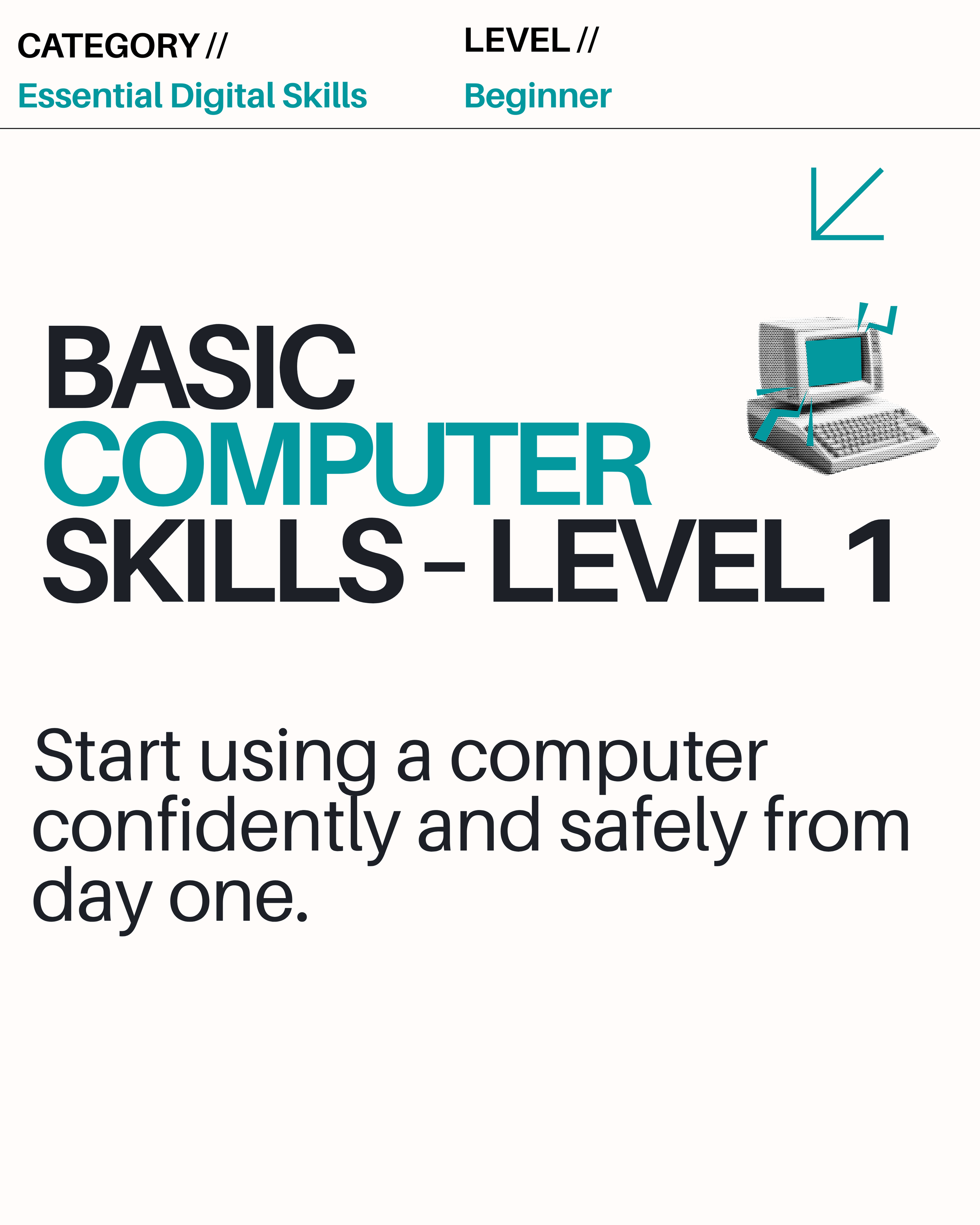
Basic Computer Skills Level 1
The starting point. Learn how to use a computer confidently — turning it on and off, using a mouse and keyboard, navigating files and folders, and understanding the basics of how a computer works. Perfect if you’ve never used a computer before or have had very limited experience..
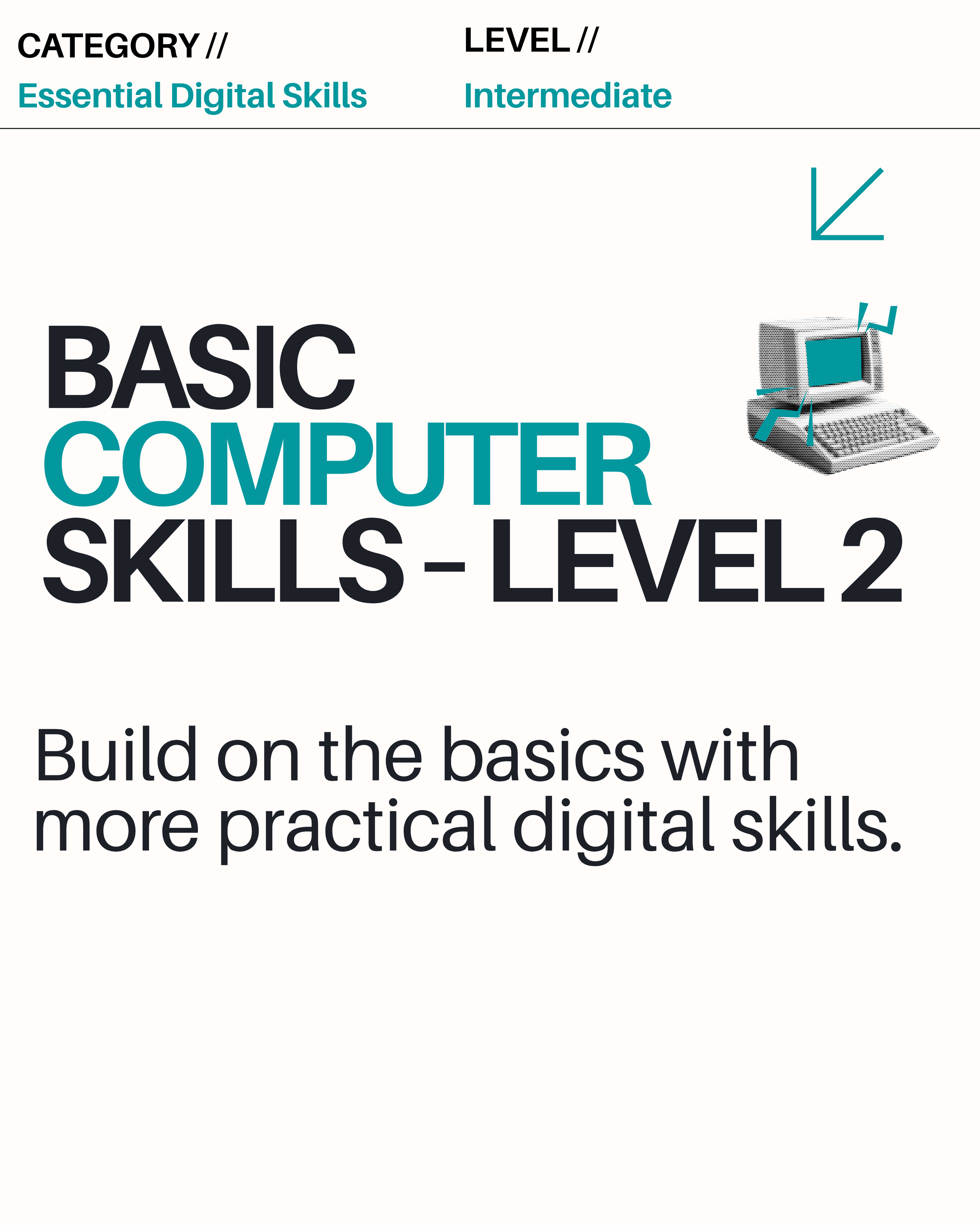
Basic Computer Skills Level 2
Building on Level 1. Learn to browse the internet, send and receive emails, create simple documents, and start using common applications. Ideal if you have some basic experience but want to feel more in control.
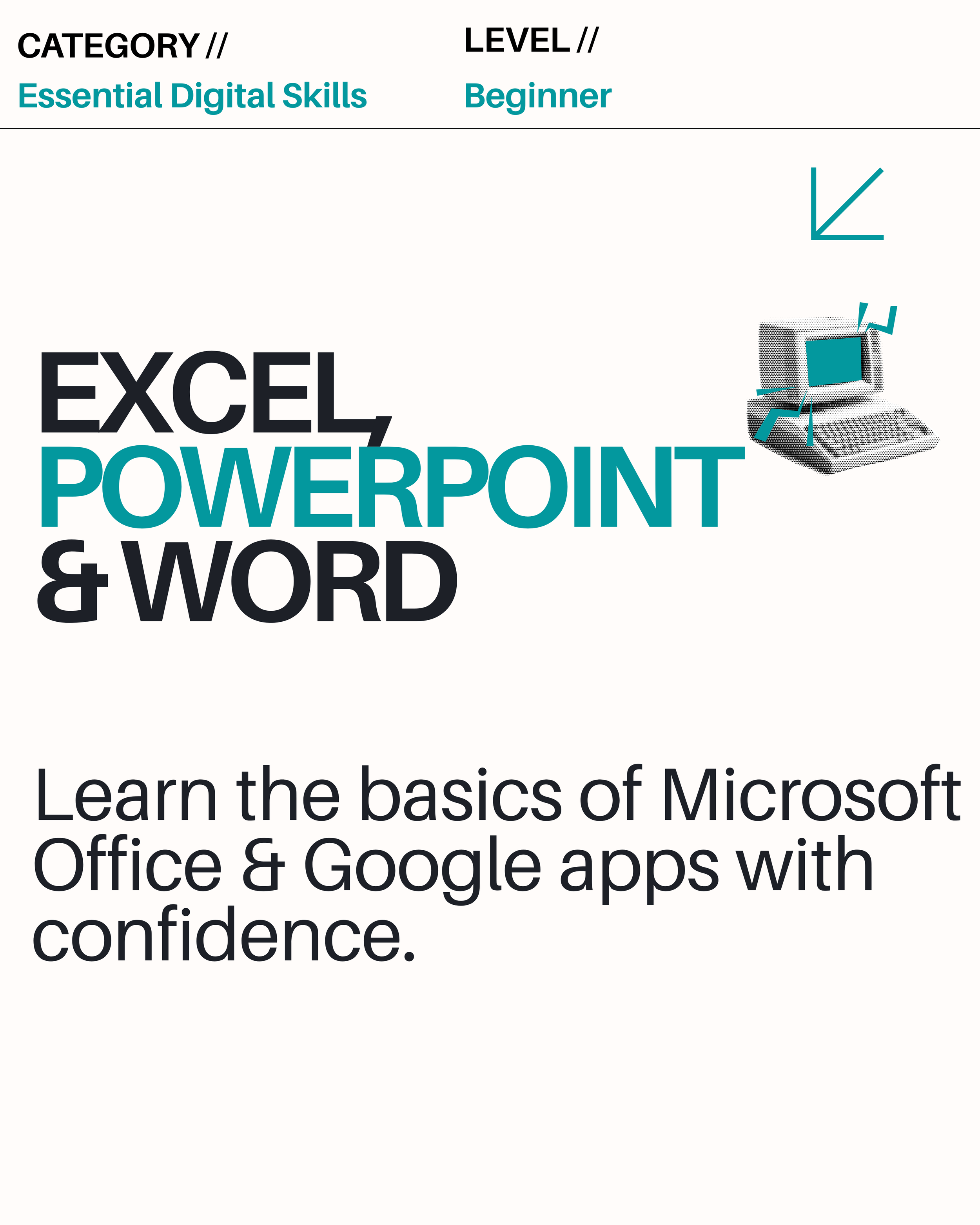
Excel, PowerPoint & Word for Beginners
The three tools employers ask for most. Learn to create and format documents in Word, build simple spreadsheets in Excel, and put together a basic presentation in PowerPoint. No experience needed — this course starts from scratch.
Basic Computer Skills Level 1
The starting point. Learn how to use a computer confidently — turning it on and off, using a mouse and keyboard, navigating files and folders, and understanding the basics of how a computer works. Perfect if you’ve never used a computer before or have had very limited experience..
Basic Computer Skills Level 2
Building on Level 1. Learn to browse the internet, send and receive emails, create simple documents, and start using common applications. Ideal if you have some basic experience but want to feel more in control.
Excel, PowerPoint & Word for Beginners
The three tools employers ask for most. Learn to create and format documents in Word, build simple spreadsheets in Excel, and put together a basic presentation in PowerPoint. No experience needed — this course starts from scratch.